chmod 755 explained
The rwx letters are not a magic spell. They are your security model.
Early on I set up a backup process on a server and gave its account permission to read everything, because that was the fastest way to make it work. It ran fine for months. Then I sat down one evening to audit the machine properly and realised that a small, unremarkable script had read access to every document, every photograph and every configuration file on the system — including the ones holding credentials for other services.
Nothing bad had happened. That is not the same as nothing bad being possible, and the distance between those two states is exactly what this article is about. The fix took twenty minutes and came down to understanding nine characters that most people look at once and decide are not for them.
Nine characters, three questions, three audiences
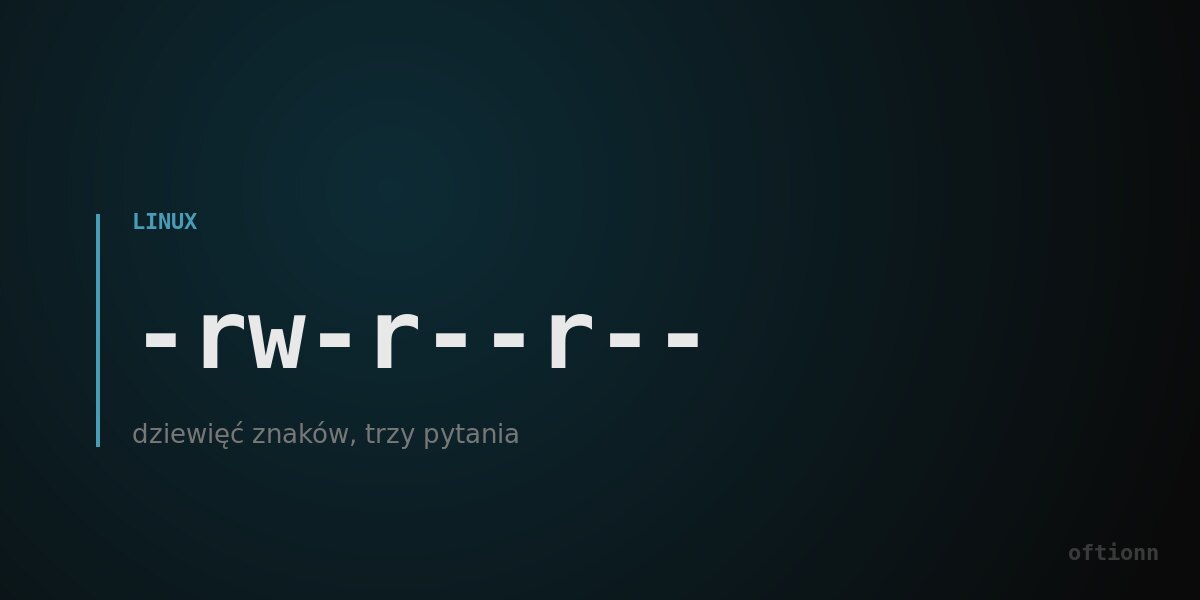
When you list files on a Linux system you see something like rw-r--r-- next to each one. It looks like a code. It is not — it is a small table, and once you see the table you cannot unsee it.
There are three questions the system can ask about any file: may you read it, may you change it, may you run it. Three answers, yes or no, written as r, w, x — or a dash where the answer is no.
And there are three groups the system asks about: the owner of the file, the group it belongs to, and everybody else. Three questions times three groups is nine characters. That is the whole system. The first block is the owner, the second the group, the third the rest of the world.
So rw-r--r-- reads: the owner may read and change it, the group may only read it, everyone else may only read it. Nobody may run it, because it is a document and documents are not programs. Read that sentence against the nine characters once and the notation stops being a code forever.
Where 755 comes from
The number is the same table, compressed. Each of the three permissions has a value: read is 4, write is 2, run is 1. Add up the ones you want to grant and you get a digit between 0 and 7. One digit per group, three digits total.
So 7 is 4 plus 2 plus 1 — everything. 5 is 4 plus 1 — read and run, but not change. 6 is 4 plus 2 — read and change, but not run. And 755 means: the owner can do everything, everyone else can read and run but not modify. That is the standard setting for a program, and now you know why rather than having memorised it.
Two more worth carrying: 644 for ordinary documents — owner reads and writes, everyone else only reads. And 600 for anything containing a secret: owner only, nobody else at all. That third one is the setting a private key needs, and most tools will refuse to use a key file that is readable by others, which is the system doing you a favour.
The number people reach for when they are tired
Somewhere on the internet, for every permissions problem anyone has ever had, there is an answer that says: set it to 777 and it will work.
It will work. It means everybody can read, change and run it — where "everybody" includes every process on the machine, every account, and anything that manages to execute code there. You have solved a permissions problem by removing permissions from the system entirely, which is the same technique as fixing a door that sticks by taking it off its hinges.
I have done it. Under time pressure, on a machine I told myself was temporary, which it then was not. The right move when a permission blocks you is to ask which of the three questions is being answered no, and for which of the three groups — and then grant exactly that. It takes thirty seconds longer and it leaves the system still able to defend itself.
What this actually protects
Back to the backup account. The fix was to create a dedicated account, put it in a group, grant that group read access to the folders being backed up, and remove its access to everything else. Twenty minutes.
What that bought is not protection against an attack. It is a bound on the consequences of one. If that process is ever compromised, the attacker gets what it had: read access to a set of folders. Not the photo library, not the configuration files, not the ability to install anything or alter the system or reach the network on someone else's behalf. The damage is decided in advance, by me, on a quiet evening, rather than in the moment by whoever got in.
This is the same shape as every other permissions decision on a well-set-up machine, and it is why I go through it on each one I prepare. Not because I expect an attack on a household file server. Because the cost of doing it is twenty minutes and the cost of not doing it is unbounded, and that asymmetry decides the matter without needing any threat assessment at all.
The nine characters are not a barrier to entry. They are the system telling you, in the shortest possible notation, exactly who can do what — which is information most systems keep from you entirely. It took me an evening to properly learn and it has saved me from myself more than once since.
Want Linux on your desk, not just on the screen?
We ship refurbished Dell OptiPlex computers with Linux Mint already installed, updated and ready to work — keyboard and mouse included. In and around Białystok we bring it over and set it up on site. Or send us the machine you already own and we will do the same to that one.